
Soll vs. Ist für deine PV-Anlage Actual vs. target for your solar plant
Selbst-gehostetes Dashboard, das den realen PV-Ertrag mit dem Jahres-Soll vergleicht. Daten aus Home Assistant, Fronius Solar.web oder manueller Eingabe. SQLite, Docker, fertig. Self-hosted dashboard that compares real PV yield against your annual targets. Data from Home Assistant, Fronius Solar.web or manual entry. SQLite, Docker, done.
Was es kann What it does
Schlanke Web-App für Eigentümer kleiner PV-Anlagen, die mehr wollen als die App ihres Wechselrichter-Herstellers. A lean web app for owners of small PV systems who want more than their inverter vendor's app.
Soll vs. IstActual vs. target
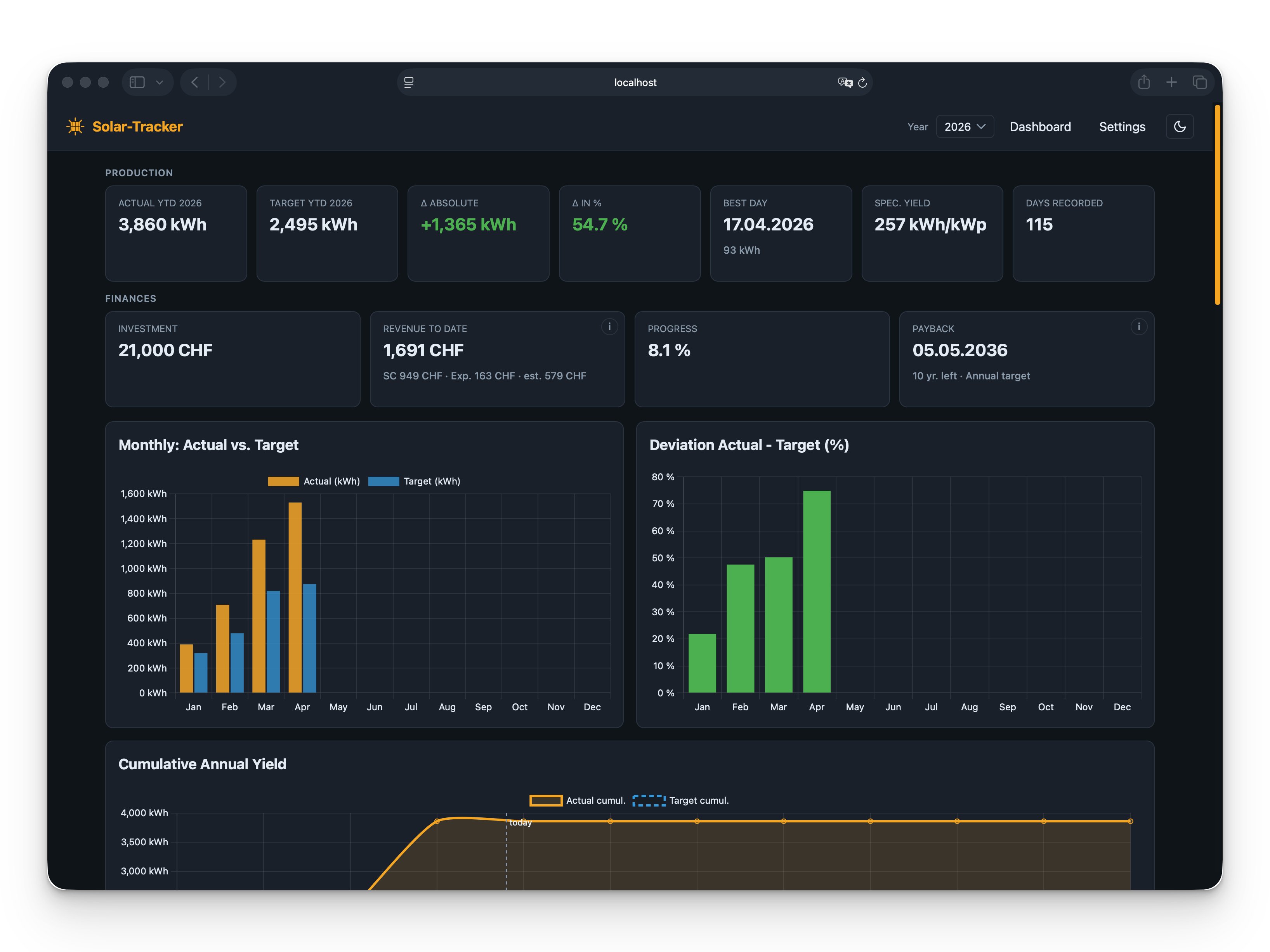
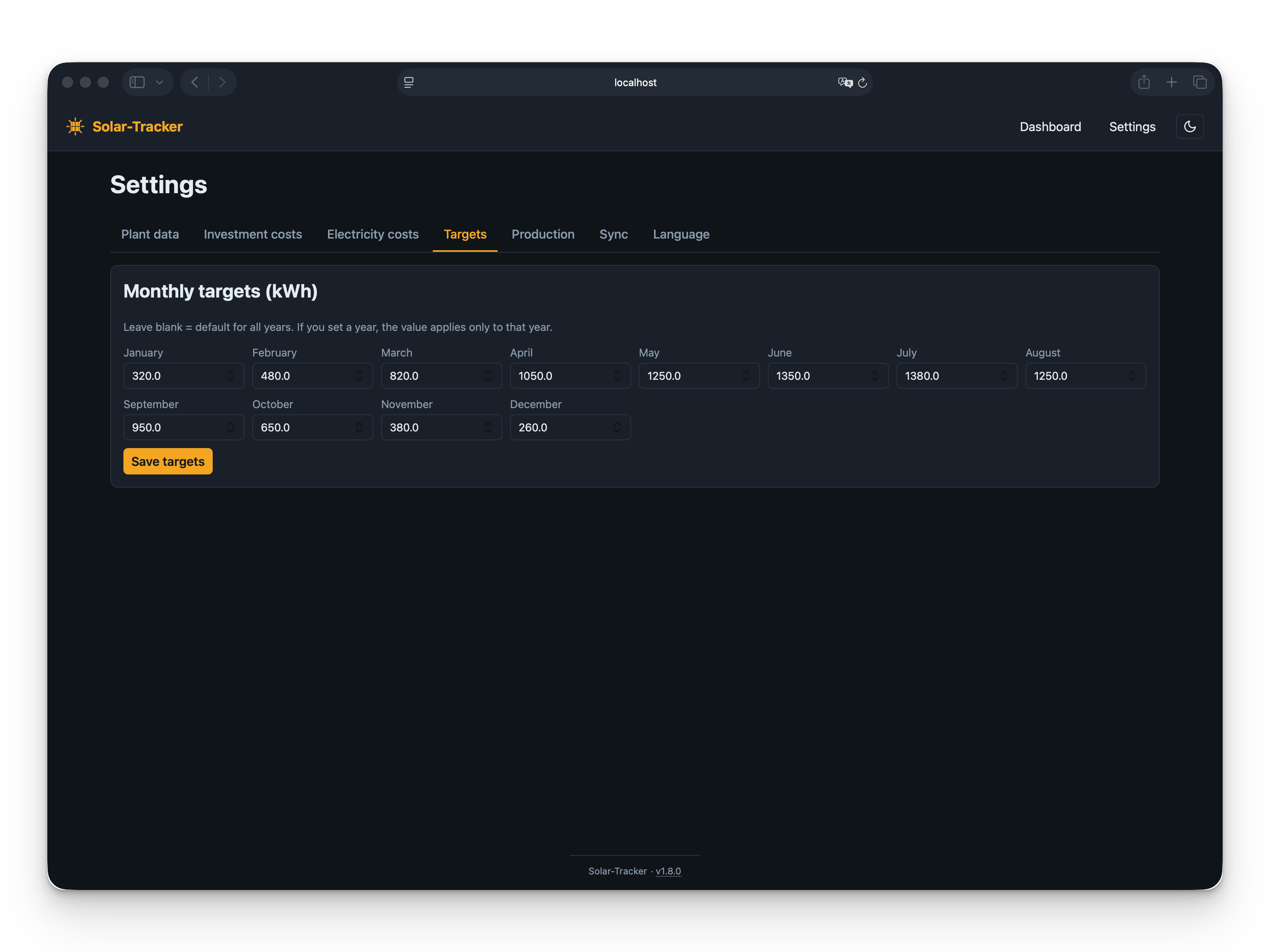
Monatliche Sollwerte gegen reale Erträge, mit YTD-Vergleich, Abweichung in % und kumulativer Linie. Monthly targets against real yields, with YTD comparison, deviation in % and a cumulative line.
DatenquellenData sources
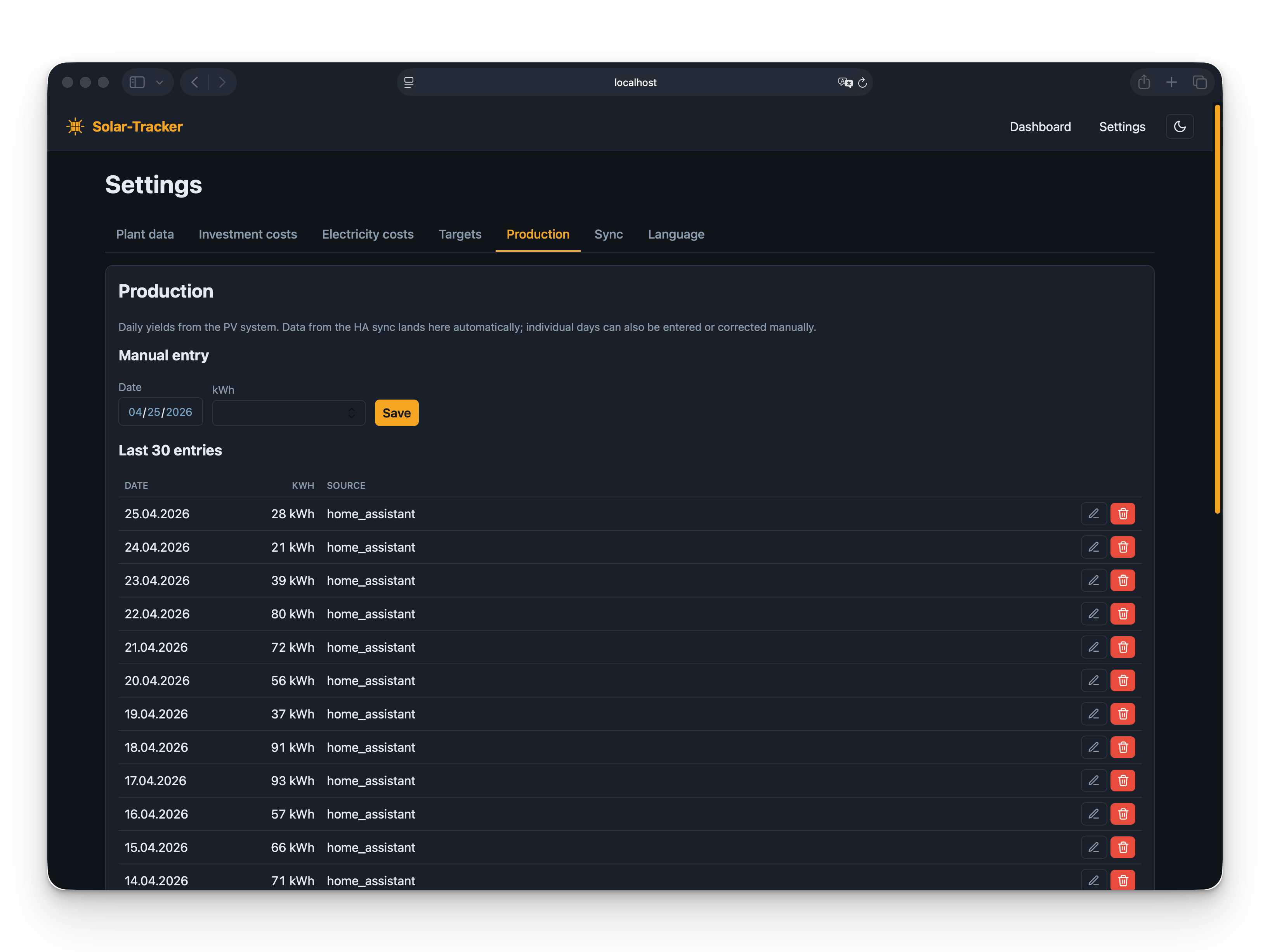
Tagesertrag aus Home Assistant (Long-Term Statistics via WebSocket) oder direkt aus der Fronius Solar.web Cloud API. Quelle per Dropdown wählen, nachträgliches Backfill über Jahre, optional automatischer Sync der letzten 3 Monate beim Öffnen des Dashboards. Daily yield from Home Assistant (Long-Term Statistics via WebSocket) or straight from the Fronius Solar.web cloud API. Pick the source from a dropdown, multi-year back-fill on demand, optional auto-sync of the last 3 months when opening the dashboard.
Finanz-KPIsFinancial KPIs
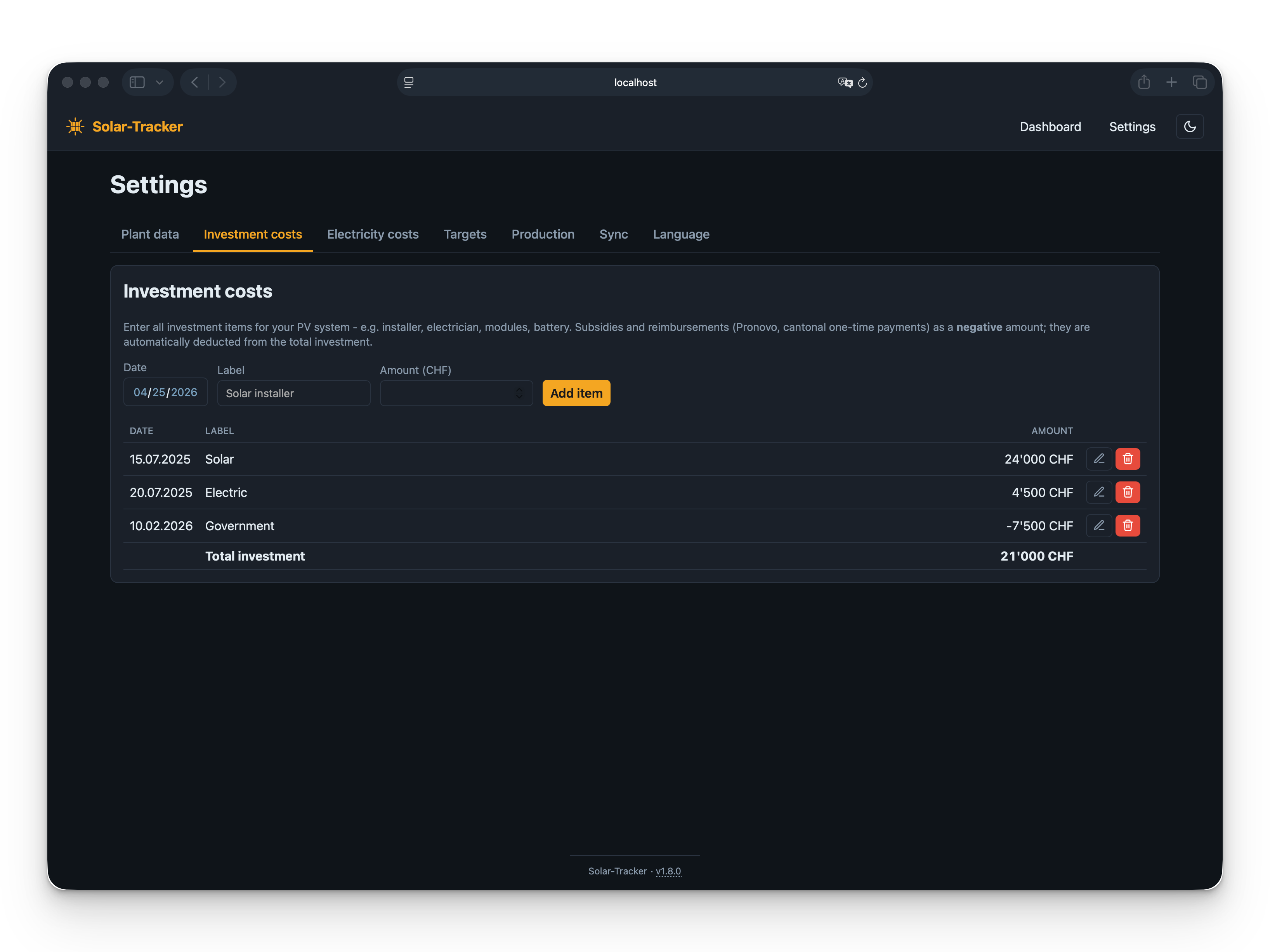
Investition, Ertrag bisher, Fortschritt, Amortisationsdatum, effektiver Strompreis und Eigenverbrauchsquote. Investment, revenue to date, progress, payback date, effective electricity price and self-consumption rate.
Netz-AbrechnungGrid billing
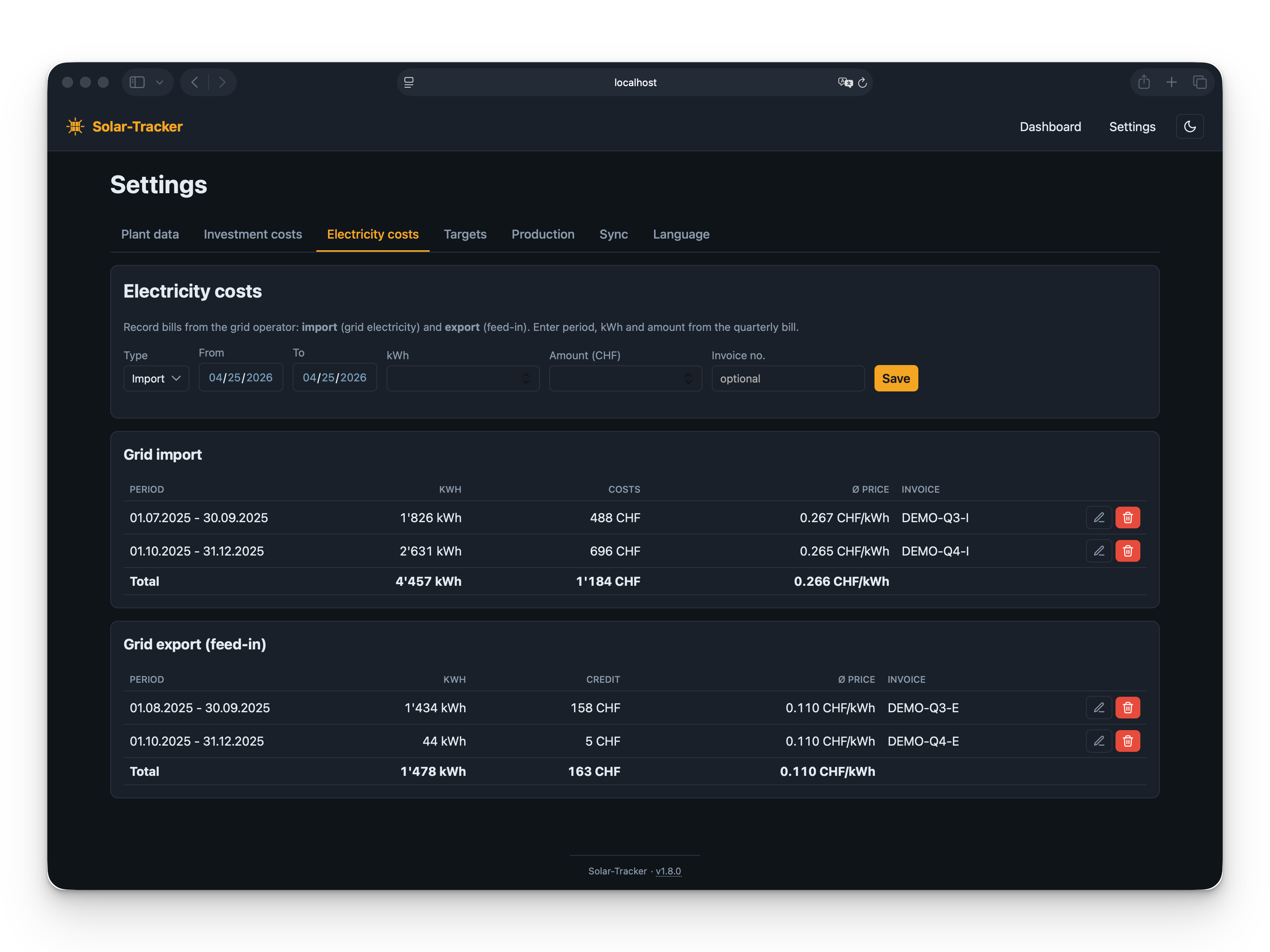
Quartals-Rechnungen für Bezug und Rücklieferung erfassen - Eigenverbrauch wird automatisch berechnet. Capture quarterly import and export invoices - self-consumption is computed automatically.
VisualisierungenVisualisations
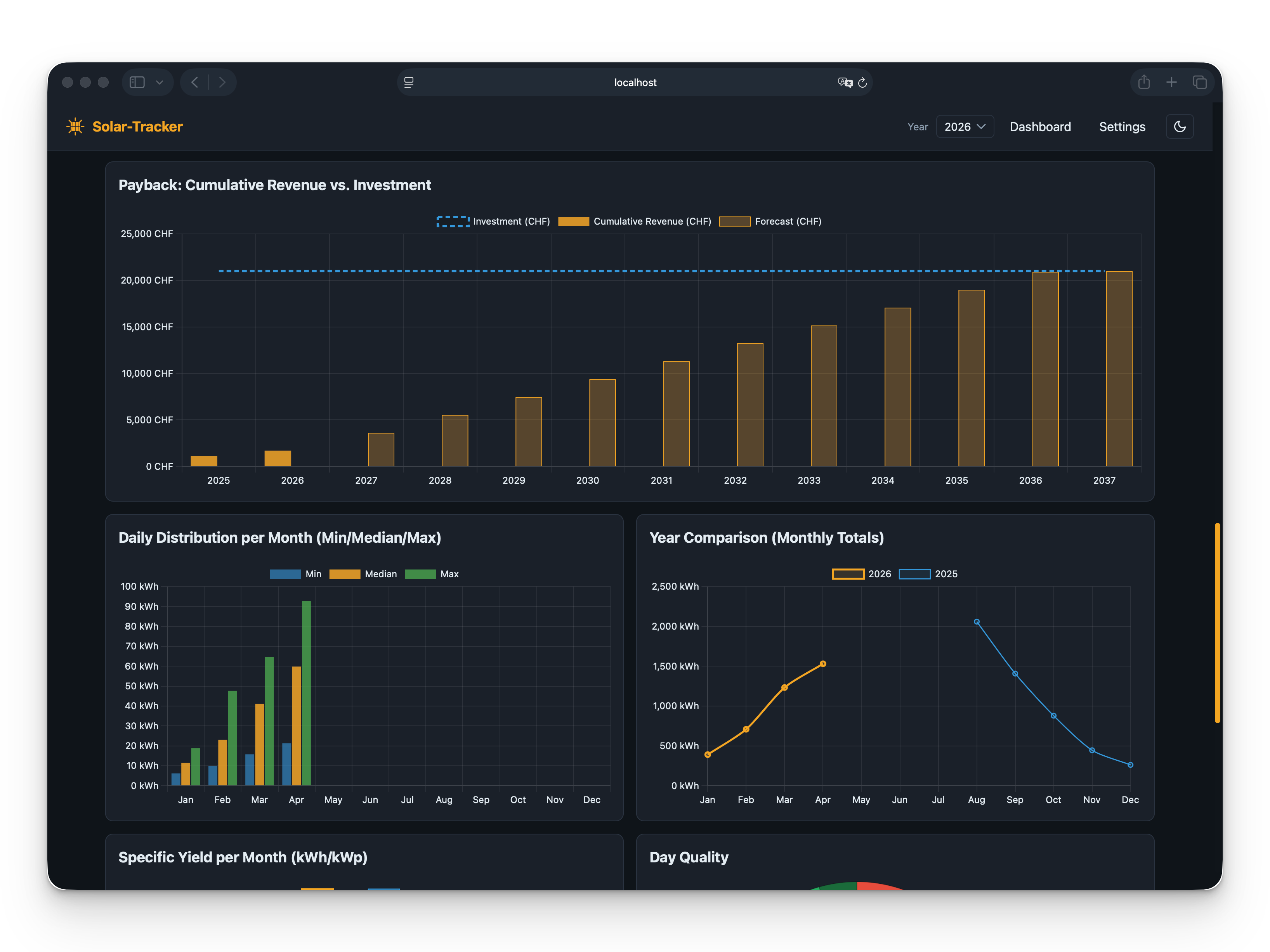
Heatmap, Tagesproduktion mit 7-Tage-Schnitt, Spez. Ertrag, Jahresvergleich, Energieflüsse, Finanzfluss. Heatmap, daily output with 7-day average, specific yield, year-on-year, energy flows, financial flows.
MehrsprachigMultilingual
Komplette Oberfläche in fünf Sprachen (Deutsch, Englisch, Französisch, Italienisch, Spanisch), konfigurierbare Währung und Zahlenformat, Hell- und Dunkelmodus. Full UI in five languages (German, English, French, Italian, Spanish), configurable currency and number formatting, light and dark mode.
Benutzer & LoginUsers & login
Optionale Benutzerkonten mit zwei Rollen (Admin, Read-only). Frische Installationen starten ohne Passwort und loggen automatisch ein; sobald ein Passwort gesetzt ist, gilt klassischer Login mit 30-Tage-Session. Optional user accounts with two roles (admin, read-only). Fresh installs start without a password and auto-login; once any password is set, classic login with a 30-day session kicks in.
Schnellstart mit Docker Quick start with Docker
Image liegt auf GitHub Container Registry, SQLite-Datenbank wird auf den Host gemountet. Image is on GitHub Container Registry, SQLite database is mounted on the host.
# docker-compose.yml und .env holenfetch docker-compose.yml and .env
mkdir solar-tracker && cd solar-tracker
curl -O https://raw.githubusercontent.com/xenofex7/solar-tracker/main/docker-compose.yml
curl -O https://raw.githubusercontent.com/xenofex7/solar-tracker/main/.env.example
mv .env.example .env

# Datenquelle in .env konfigurieren (HA_URL/HA_TOKEN/HA_ENTITY_ID oder SOLARWEB_ACCESS_KEY_ID/SOLARWEB_ACCESS_KEY_VALUE), dann startenconfigure a data source in .env (HA_URL/HA_TOKEN/HA_ENTITY_ID or SOLARWEB_ACCESS_KEY_ID/SOLARWEB_ACCESS_KEY_VALUE), then start
docker compose up -d
App läuft auf http://localhost:5000. Die SQLite-Datenbank liegt in ./data auf dem Host.
App runs on http://localhost:5000. The SQLite database lives in ./data on the host.
Anonyme Instanz-Telemetrie (Version, zufällige Instanz-ID) ist standardmäßig aktiv. Mit TELEMETRY_ENABLED=false in der .env deaktivieren.
Anonymous instance telemetry (version, random instance ID) is on by default. Set TELEMETRY_ENABLED=false in .env to opt out.